
Google Killed The Call Button in Local Search
| 💡 Key Takeaways: – Google removed the call button from organic map pack results on mobile — users must now tap into a listing to call. – Businesses with thin, neglected Google Business Profiles are losing the most calls because their profiles don’t give searchers a reason to click in. – AI Overviews are beginning to replace the traditional map pack for conversational searches — and the businesses appearing in AI results are largely different from those in the regular three-pack. – ChatGPT, Perplexity, and other AI tools pull local business data from Bing, Foursquare, and Yelp — not just Google. A Google-only strategy is no longer enough. – Yelp reviews are appearing in roughly one-third of all AI-generated local results. Detailed, narrative reviews outperform 5-star ratings that just say “great service.” – The solution to both changes is the same: build a rich, fully optimized GBP, diversify your review presence, and make sure your website supports local search signals. |
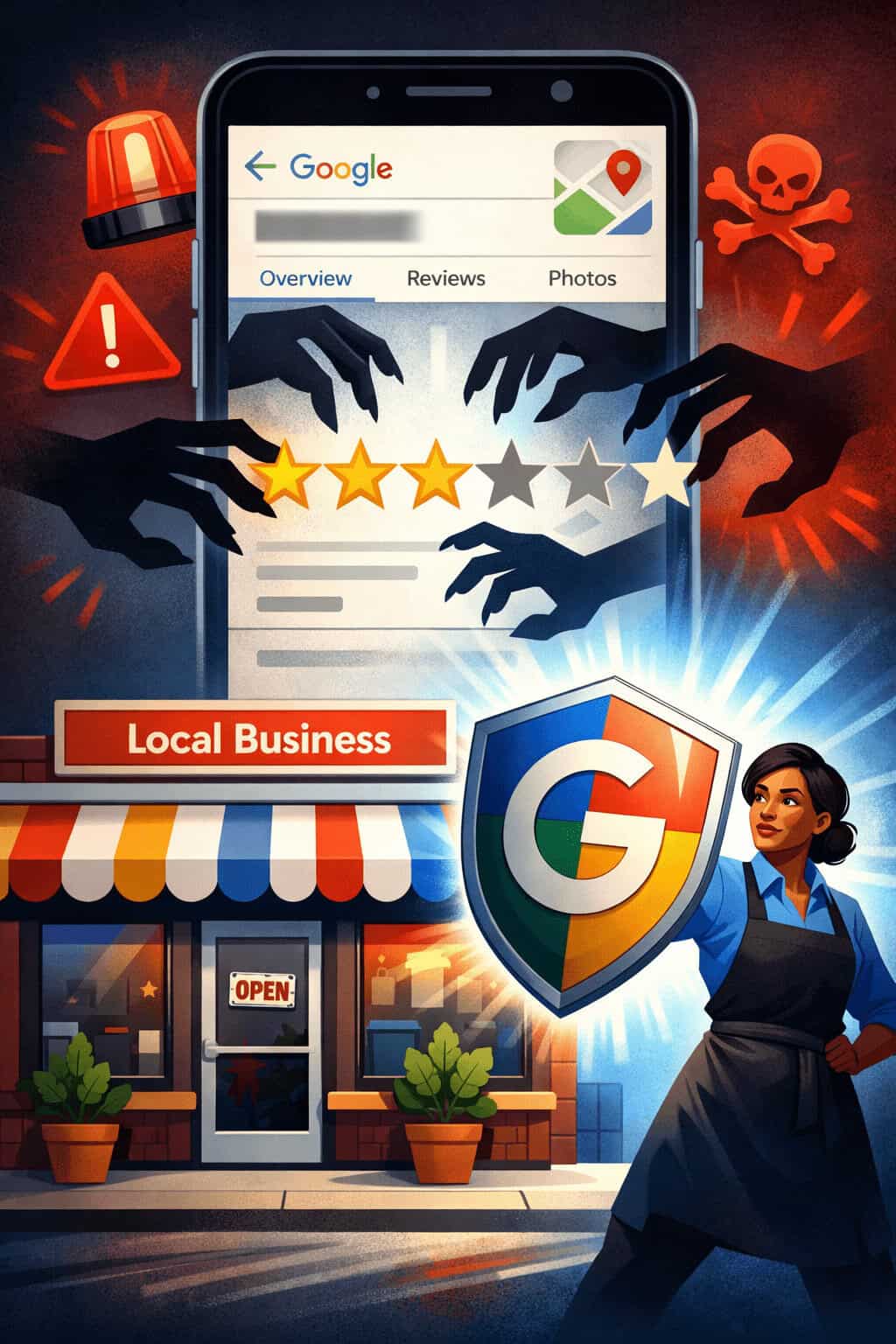
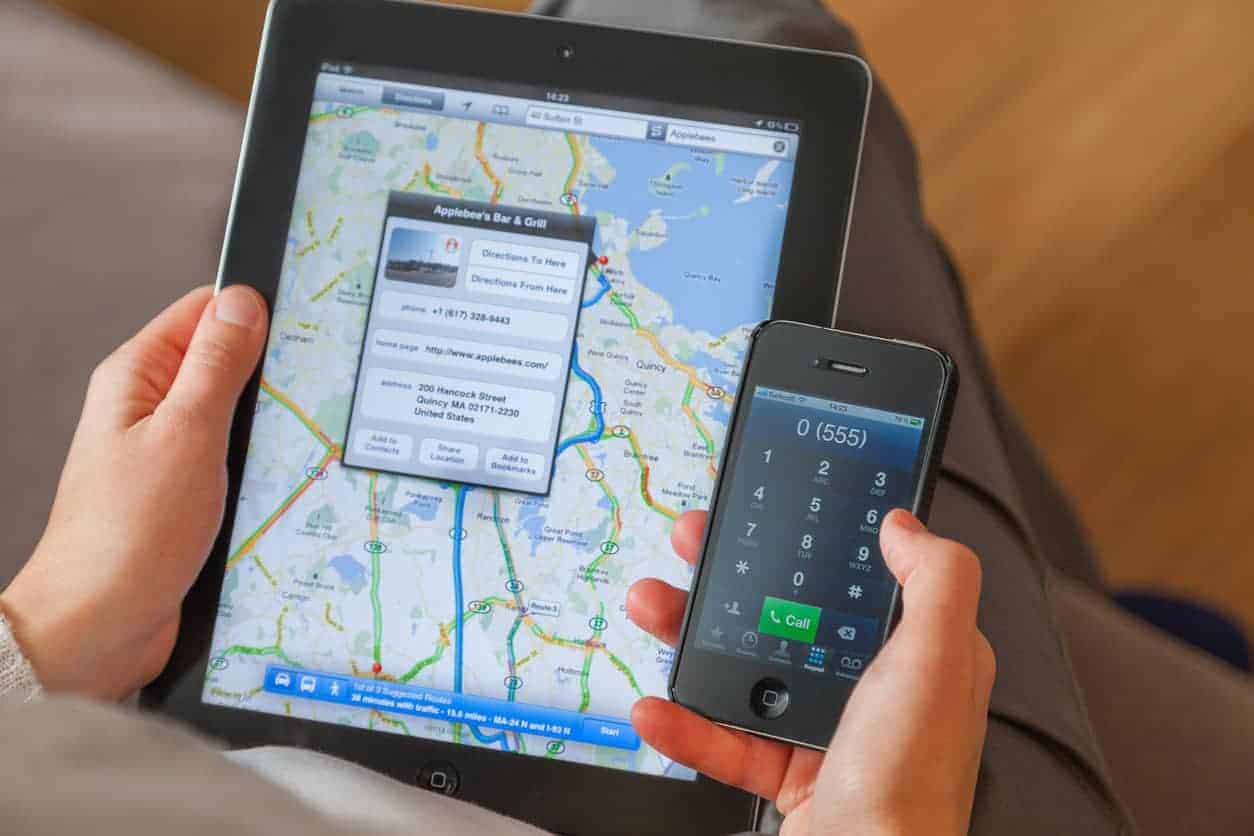
If you run a local business and you rely on Google to bring in customers, something just changed — and it’s not a random tweak. Google quietly removed the call button from organic map pack results on mobile. No announcement. No warning. Just gone.
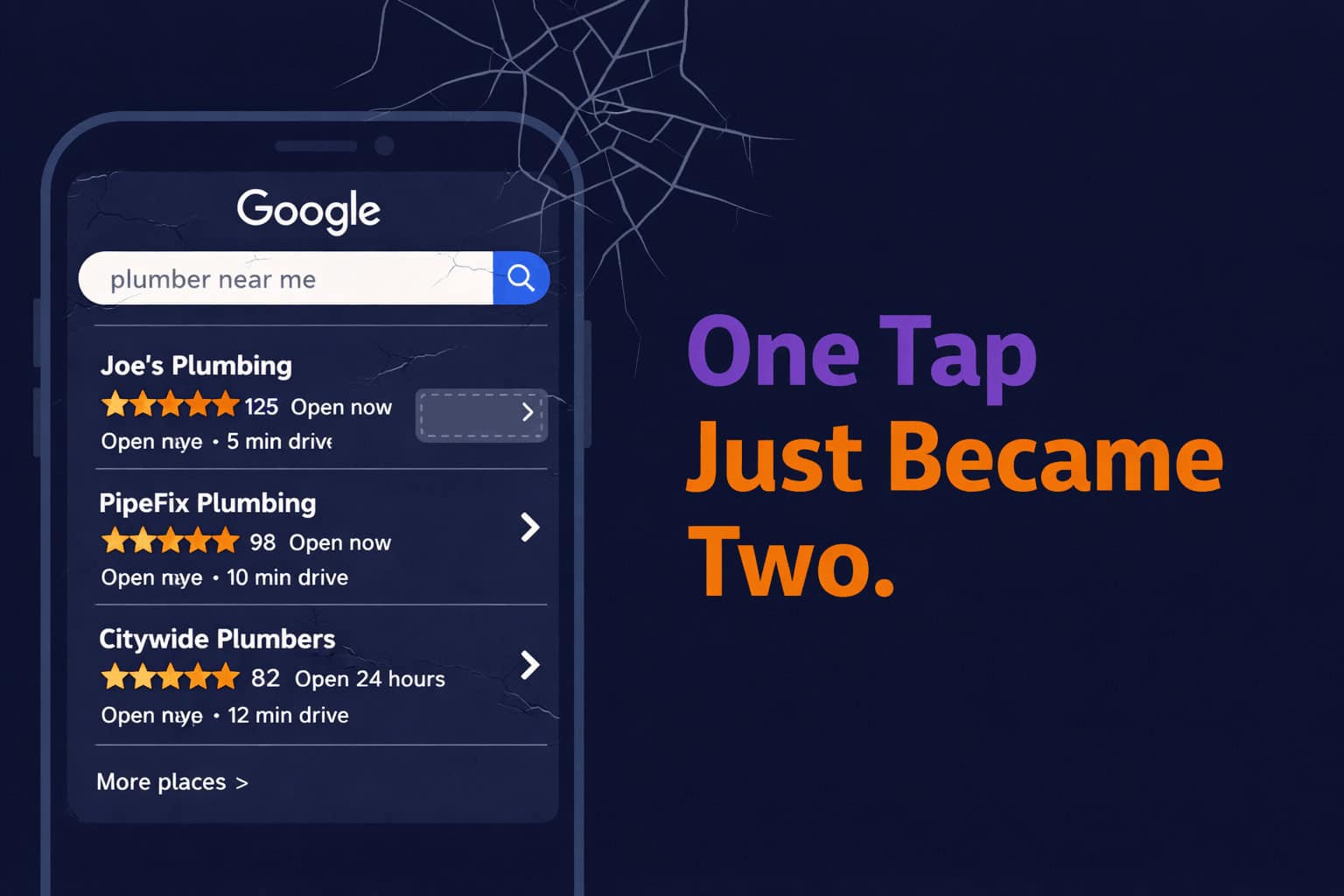
That button used to sit right there in the search results. Someone searched “plumber near me,” saw your listing, tapped Call, and you had a lead. Simple. Free. Done.
Now that the one-tap path is gone for organic listings. And if you have a thin Google Business Profile that hasn’t been touched in years, you could be feeling this already.
But the call button removal? That’s actually not the biggest story here. There’s something else happening in local search that should concern you even more — and almost nobody is talking about it yet.
This Is Not a Random UI Change — It’s a Pattern
Google has been systematically monetizing every free action in local search for years. Think about what happened with Google Shopping. Years ago, you could show up in product results organically, completely for free. Then Google pushed paid shopping ads to the top, buried the organic results, and suddenly, visibility required a credit card.
The free option technically still exists — it’s just buried deep enough that nobody clicks it. That’s the playbook.
In local search, we’ve watched this unfold step by step:
- The map pack shrank from seven listings to three
- Local Service Ads (LSAs) moved above the map pack
- Sponsored listings appeared inside the map pack itself
- And now the call button has been moved inside the profile — one more tap required
The call button isn’t gone, exactly. It’s just one extra tap away. The user now has to click into your listing first. And that one extra step is the difference between you getting the phone call or the paid ad getting it.
The early numbers circulating in the SEO community suggest a 20–40% drop in call volume from organic map pack listings. We want to be upfront: that figure is still largely anecdotal.
But across the Google Business Profiles we actively manage at LocalBizGuru, we are seeing a noticeable decline in direct calls — especially for clients whose profiles haven’t been maintained.
For deeper context on how Google’s local search ecosystem is evolving, Search Engine Land’s ongoing local SEO coverage is worth bookmarking.
Why Thin Profiles Are Getting Hit the Hardest
When the call button was right there in the search results, a bare-bones profile could still get calls. Someone searched, saw your name, tapped the button, and you were in business. They never looked at your photos or read a single review.
Now the user has to decide before they call you. They look at your profile — the photos, the reviews, the description — and ask: is this the business I want to click into?
If your profile looks like it was set up in 2017 and never touched again — a few blurry photos, a dozen reviews, a generic description — you’re not giving people a reason to click. And if they don’t click, they never see the call button.
The clients in our portfolio who have deeply optimized profiles? Their numbers are holding up. The ones coasting on minimum-effort setups are feeling this change hard.
| What this means practically: Every element of your Google Business Profile now does selling work it didn’t used to do. Photos, reviews, your business description, your services list — these are no longer nice-to-haves. They’re what determines whether someone calls you or your competitor. |
How the Rules of Local Search Just Changed: Before vs. After
Here’s a quick side-by-side of what local search looked like before this change, what it looks like now, and what that means for your business:
| Factor | Before (Old Map Pack) | Now (Post-Change) |
|---|---|---|
| Call Button | Visible directly in the map pack results | Hidden inside profile — requires a tap to enter |
| Profile Photos | Low impact on call conversion | Critical — photos drive the click that reveals the button |
| Reviews | Helpful for ranking | Essential for conversion AND AI recommendation signals |
| Proximity to Searcher | Major ranking factor | Less relevant for AI Overviews — data depth matters more |
| Who Gets Recommended by AI | N/A | ~2 of 3 AI-recommended businesses differ from map pack listings |
| Platforms That Matter | Google Business Profile | Google + Yelp + Bing + Foursquare + Facebook + directories |
| Profile Maintenance | Optional for basic call volume | Required to earn the user’s click before they can call |
The Bigger Threat: AI Overviews Are Coming for the Map Pack
Here’s where things get serious — and where most business owners aren’t paying attention yet.
Google has been testing AI-generated overviews for local searches.
When someone types a conversational query like “who’s the best emergency plumber in Cleveland,” Google may generate an AI summary above the map pack — pulling together recommendations, ratings, and service details from its database. Google’s own documentation on AI Overviews confirms the feature is expanding.
The call button removal is Google adding friction to something that still exists — your listing is still in the map pack.
The AI Overview is different. It doesn’t just add friction. It can replace the map pack entirely for certain searches.
And here’s what should make every local business owner sit up straight: research shows that the businesses showing up in Google’s AI local results are largely different from the ones in the traditional map pack.
The overlap is roughly one-third. Two out of three businesses recommended by Google’s AI aren’t even in the regular three-pack — and vice versa.
You could be ranked number one in the map pack, and Google’s AI doesn’t even mention you. That’s a completely different game.
It’s Not Just Google’s AI — ChatGPT, Perplexity, and Others Are Pulling Local Data Too
ChatGPT pulls most of its local business data from Bing and Foursquare — not Google. If your business isn’t accurately listed and active across multiple platforms, you’re invisible to ChatGPT users searching for local services.
Foursquare’s business listing portal is a free starting point that many local businesses have yet to claim.
Across all the major AI platforms — Google, ChatGPT, Claude, Perplexity, Grok — one signal is showing up consistently in the businesses getting recommended: reviews across multiple platforms, not just Google.
Yelp is showing up as a particularly important source, appearing in roughly a third of all AI-generated local search results. Here’s why: Yelp reviews tend to be longer and more narrative. AI systems can pull far more usable information from 50 detailed Yelp reviews than from 200 five-star Google reviews that just say “great service.”
If your entire review strategy has been Google-only, that’s no longer enough. The AI isn’t just looking at Google. Even Google’s own AI is pulling from elsewhere.
What You Should Actually Do Right Now
The good news: both of these changes — the call button removal and the rise of AI Overviews — point to the same set of solutions.
1. Make Your Google Business Profile Earn the Click
The profile has to do the selling now. That means:
- Real photos — not three blurry shots from 2019. Recent, professional, plentiful.
- A business description that actually tells someone why they should choose you.
See Google’s GBP best practices guide for what Google itself recommends. - Every service is listed. Every category is filled. Every box checked.
- Regular posts — weekly, not once a year.
2. Build Review Velocity Across Multiple Platforms
New reviews, consistently, on Google — but also Yelp, Better Business Bureau, Facebook, Angie, Foursquare, and any industry-specific directories relevant to your trade.
The content of those reviews matters: reviews that mention specific services, locations, and outcomes give AI systems far more to work with than generic star ratings.
3. Be Careful About Google Messaging
You’ll hear advice to turn on Google Business messaging to compensate for the lost call button.
But there’s a catch: Google tracks your response time. If you turn on messaging and don’t respond within minutes, Google can suppress your visibility. Unless someone on your team can respond quickly — minutes, not hours — this feature can do more harm than good.
4. Evaluate LSAs Based on Your Specific Business — Not the Hype
Local Service Ads are being promoted as a mandatory response to the call button change. They’re not.
Google’s LSA eligibility page is a good place to check whether your business type even qualifies. High-volume service businesses (plumbers, locksmiths, HVAC) often benefit.
Medical practices and specialty services need to evaluate more carefully. Know your business before you spend the money.
The Bigger Picture: Optimizing for the Game That’s Coming
Proximity used to be a massive ranking factor in local search. If you were close to the searcher, you ranked. That proximity advantage is much less relevant when AI generates the results — the AI doesn’t care how many miles you are from the searcher. It cares about how much useful data it can find about your business.
The businesses that are going to win over the next few years aren’t the ones that set up a Google Business Profile and forgot about it. They’re the ones with rich, deep profiles, consistent review velocity across platforms, websites structured to support local search signals, and a presence everywhere AI pulls data from.
If all you’re doing is optimizing for the traditional three-pack, you’re optimizing for a game that is slowly going away.
The call button change is annoying and is costing real calls to real businesses.
But treat it as a wake-up call to do the work that was always going to matter — building a profile that actually earns trust before someone ever dials your number.
Frequently Asked Questions
Did Google permanently remove the call button from local search results?
Not entirely. The call button has been removed from the map pack listing view on mobile, but it still appears once a user clicks into your full Google Business Profile. The change adds one extra tap between the searcher and your phone number, which reduces the chance of an impulsive call and puts more weight on how compelling your profile looks at a glance.
How much will this affect my call volume?
It depends heavily on the quality of your Google Business Profile. Businesses with strong photo galleries, consistent reviews, and active profiles are seeing minimal impact in our data. Businesses with thin, neglected profiles are seeing the sharpest drops. The 20–40% decline figure circulating online is anecdotal — your actual impact will vary.
Should I turn on Google Business messaging now that the call button is gone?
Proceed with caution. Google tracks messaging response times, and slow response times can hurt your visibility. Only turn on messaging if you or someone on your team can commit to responding within a few minutes during business hours. If that’s not realistic right now, it’s better to leave it off.
Is this why my Google calls dropped — or could it be something else?
The change to the call button is one factor, but not the only one.
AI Overviews are increasingly appearing above the map pack, which can reduce overall click-through to listings. Seasonal patterns, new competitors, and changes to your profile activity can also affect call volume. If calls dropped suddenly and recently, the call button change is likely a contributor — especially if your profile is on the thinner side.
What’s the difference between the map pack and Google’s AI Overview for local search?
The map pack is the traditional three-listing block with a map that appears for local searches.
The AI Overview is a generated summary that Google places above the map pack for certain queries — and it can answer the user’s question without them ever having to scroll to see your listing. The two results frequently feature different businesses: roughly two-thirds of AI-recommended local businesses aren’t in the traditional map pack at the same time.
Do I need to be on Yelp if my customers don’t really use it?
Even if your customers don’t actively browse Yelp, AI systems — including Google’s own AI Overview — are pulling review data from Yelp to inform their recommendations. A business with detailed Yelp reviews is giving those AI systems more data to work with. Claiming your free Yelp Business page is a low-effort step with disproportionate upside in the current AI search landscape.
How does LocalBizGuru help with these changes?
We manage Google Business Profiles for local service businesses and contractors in Northeast Ohio and across the US — including full profile optimization, photo strategy, review velocity programs, and ongoing posting. We also build and optimize websites that support local search signals. If you’re not sure where your profile stands, reach out, and we’ll take a look.
Not sure where your Google Business Profile stands?
LocalBizGuru works with contractors and local service businesses across Northeast Ohio to build and maintain the kind of profiles that perform through changes like this one. If you want to know exactly what’s working, what’s missing, and what to fix first, reach out. We’re happy to take a look.